Scrobbling
Navidrome allows you to easily scrobble your played songs to Last.fm and ListenBrainz.
Last.fm
- Ensure you have the API Key and API Secret set according to the instructions in External Integrations.
- Go to your user profile’s Personal Settings.
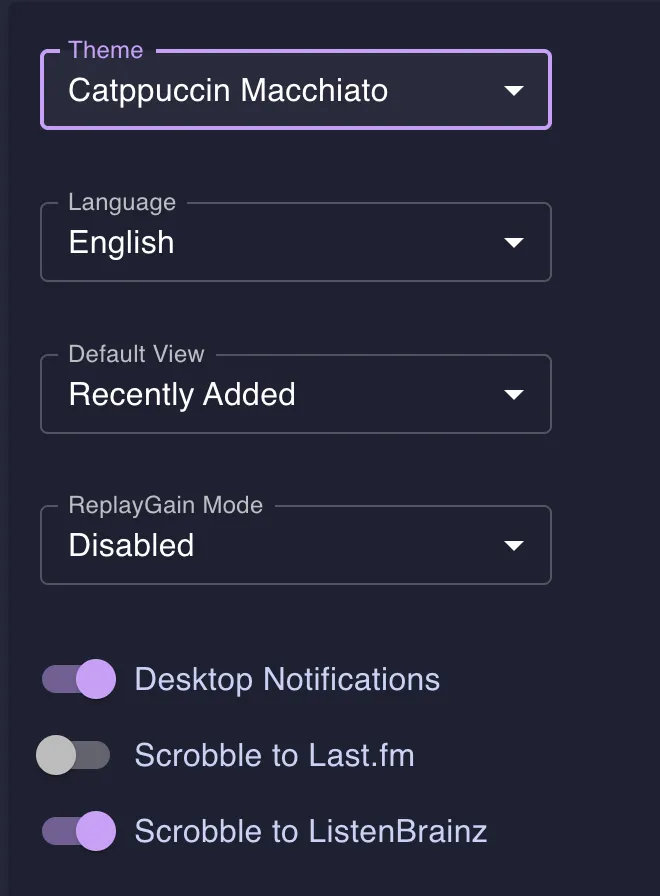
- Toggle the option
Scrobble to Last.fm, a new browser tab will open directing you to Last.fm.
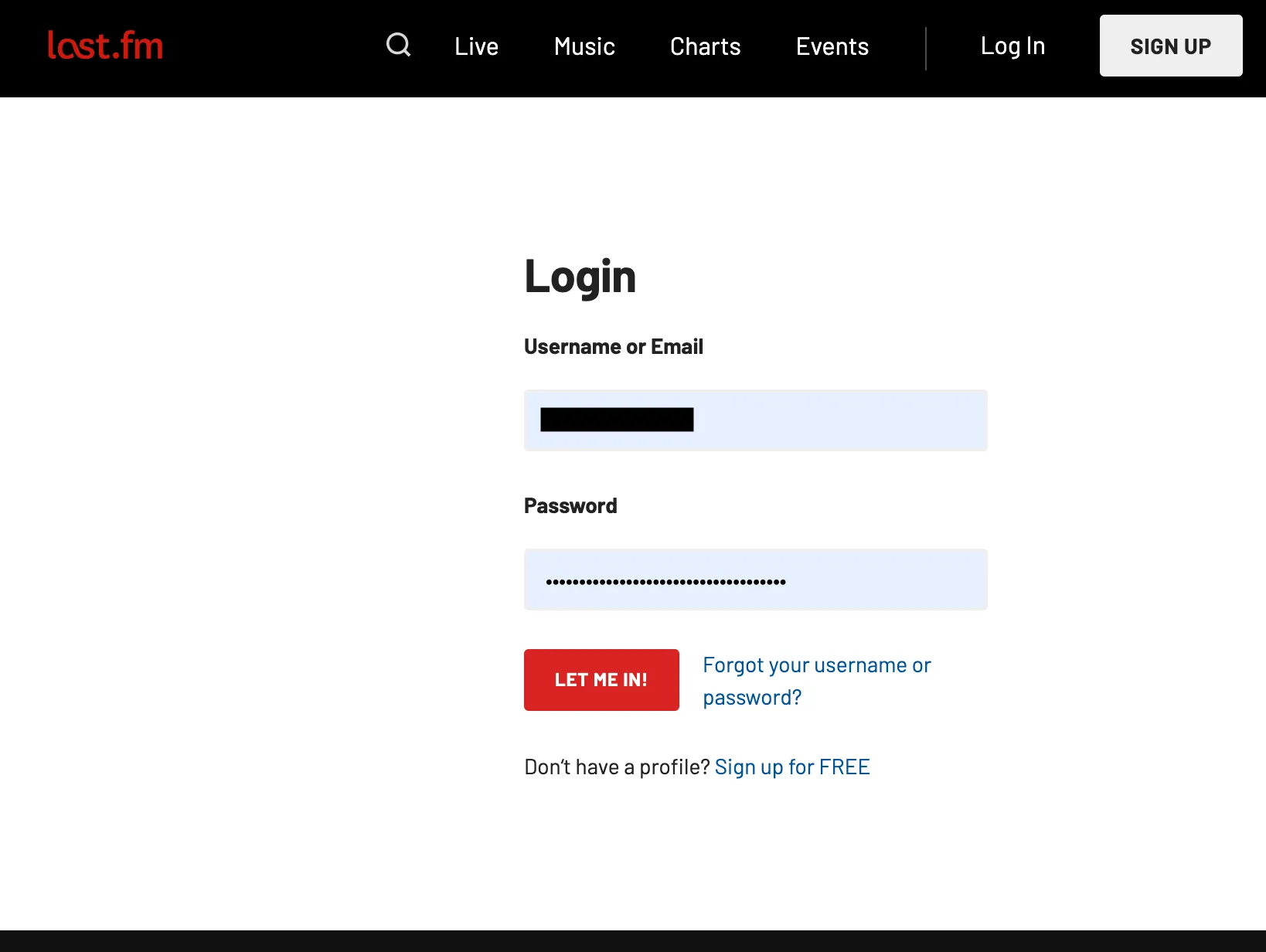
- If you are not logged in, then log in with your Last.fm credentials.
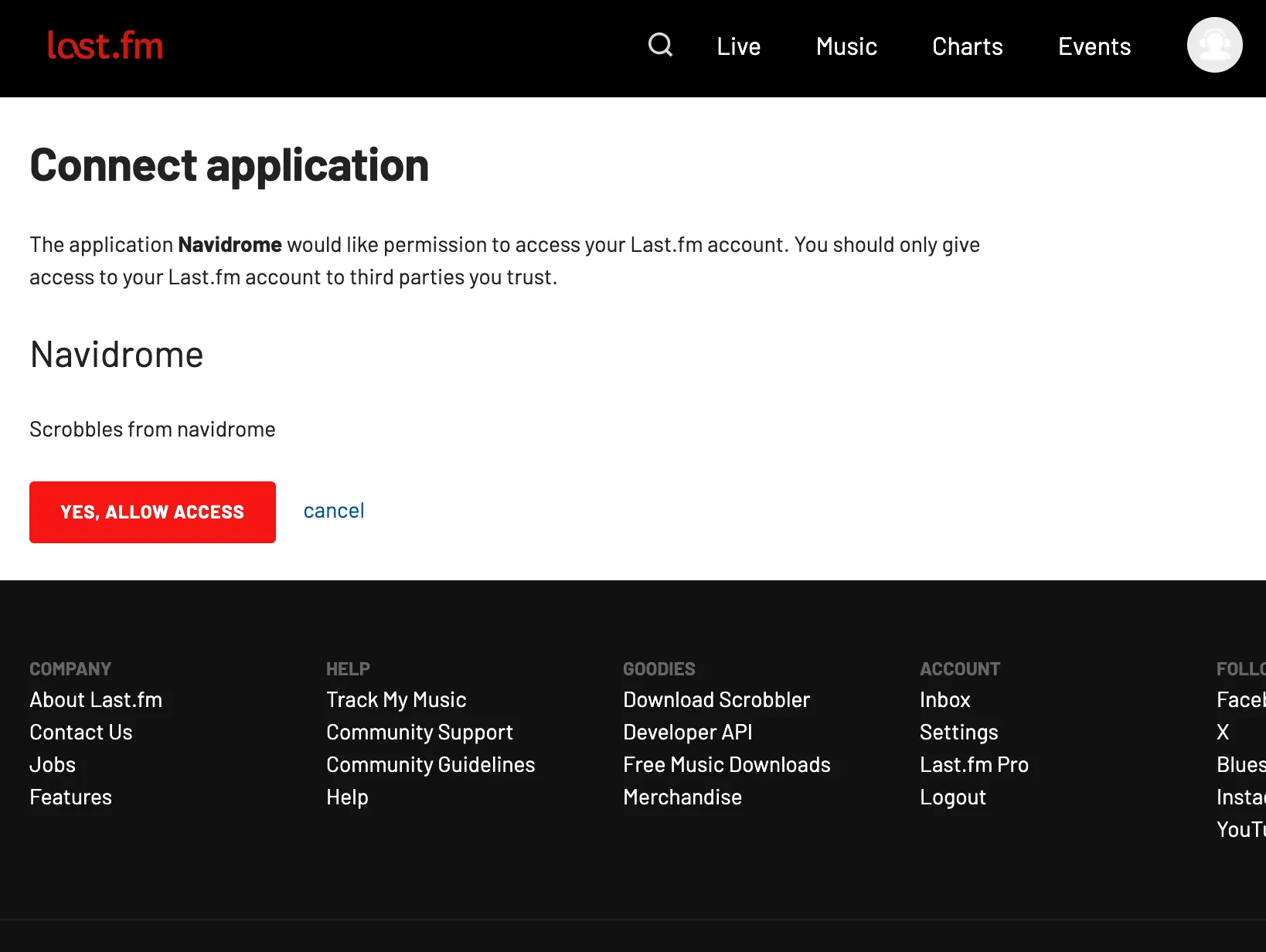
- Click “Yes, allow access”.
ListenBrainz
- Toggle the option
Scrobble to ListenBrainz. If you already have a User key generated, skip to step 4. - Click on the appropriate link in the pop-up that opens.
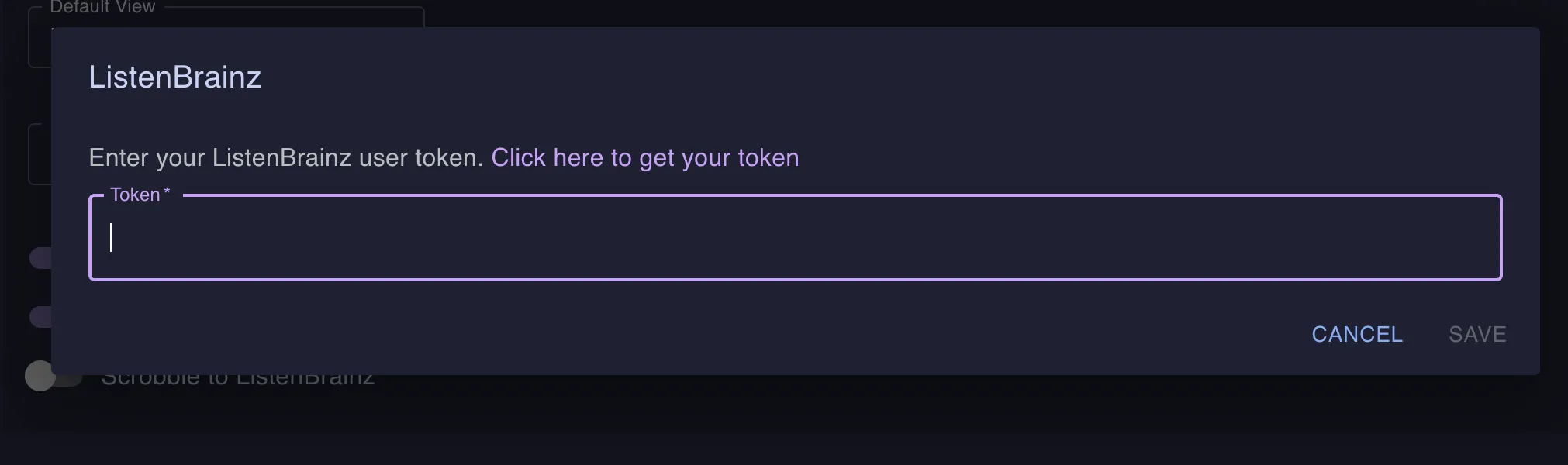
- On the ListenBrainz website, either generate a new token or copy your existing one, then go back to your Navidrome tab.
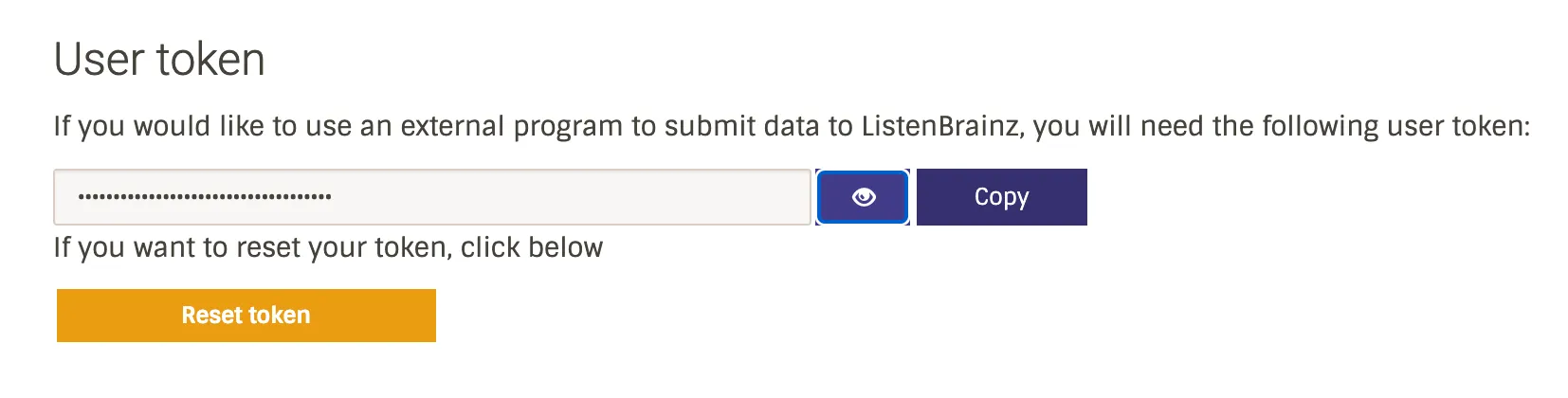
- Paste the token in the pop-up and save.
If you are using a self-hosted ListenBrainz-compatible server (e.g., Maloja), you can change the ListenBrainz.BaseURL config option to point to your instance.
Scrobble Filter
Starting with version 0.64.0, each user can keep some songs out of their scrobbles. Maybe you do not want holiday music in your Last.fm profile, or you only want songs rated 4 stars or more to shape your recommendations.
The filter uses the same JSON rules as smart playlists. Navidrome does not send matching songs to Last.fm, ListenBrainz or scrobbler plugins. It still counts the play locally, so play counts and scrobble history stay complete.
To set a filter, edit the user and paste the rules in the Scrobble filter field. Admins can do this for any user in
Settings > Users. Regular users can set their own filter from their profile, if
EnableUserEditing is on. Leave the field empty to
scrobble everything.
Skip songs with the genre “Christmas”:
{"all":[{"is":{"genre":"Christmas"}}]}
Skip songs rated below 4 stars. Unrated songs have a rating of 0, so this skips them too:
{"all":[{"lt":{"rating":4}}]}
Skip everything in one library:
{"all":[{"is":{"library_id":3}}]}
The filter checks one song at a time, so limit, limitPercent, offset and refreshDelay make no sense here.
Navidrome rejects rules that use them, and rules with unknown fields.
Scrobble History
Starting with version 0.59.0, Navidrome tracks your scrobble/listen history natively. This means that for music added after this version, Navidrome maintains a complete record of when each track was played. This historical data will be used in future features such as statistics and analytics (“Navidrome Wrapped” style reports).
Note: For music that was added before version 0.59.0, the scrobble history will start from the moment you upgrade. The total count of scrobbles per song may not match the song’s playcount for tracks that were already in your library before the upgrade.
Feedback
Was this page helpful?
Glad to hear it! Please tell us how we can make this documentation even better.
Sorry to hear that. Please tell us how we can improve this documentation.